Lightroom Tips

Ted’s Lightroom Tips: LIGHTROOM NEW MASK

[vc_row][vc_column][vc_column_text] 1 MINUTE LIGHTROOM TIP Lightroom New Mask Tool Lightroom has received many new upgrades, and the Lightroom new Mask features many significant updates.   In the older version of Lightroom, you needed to use the Brush tool to select areas of images to apply local adjustments. The Lightroom new Mask makes life much easier.    […]

Ted’s Lightroom Tips: LIGHTROOM NEW MASK Read More »

dynamic range

Ted’s Lightroom Tips: CHANGE COLOURS IN LIGHTROOM

[vc_row][vc_column][vc_column_text] CHANGE COLOURS IN LIGHTROOM Lightroom has many hidden features. Did you know that you can change colours in Lightroom using the Brush tool? ONE MINUTE LIGHTROOM TIP. In the first example, I changed the colour of the car. 1- Open an image in Lightroom Develop and apply all global adjustments as needed. 2- Select

Ted’s Lightroom Tips: CHANGE COLOURS IN LIGHTROOM Read More »

IMG 0982 e1620065494339

Ted’s Lightroom Tips: LIGHTROOM TRANSFORM

[vc_row][vc_column][vc_column_text] Adjust Perspective Distortion Using Lightroom Transform Tool . All lenses, especially wide-angle lenses, create perspective distortions. In Real estate Photography or Landscape Photography, distortions can be disturbing. Lightroom Transform tool can fix these flaws with just one click.  In this article, I look into the Transform tool, correct the Upright Perspective automatically, and fine-tweak

Ted’s Lightroom Tips: LIGHTROOM TRANSFORM Read More »

IMG 5468

Ted’s Lightroom Tips: LIGHTROOM VIRTUAL COPY

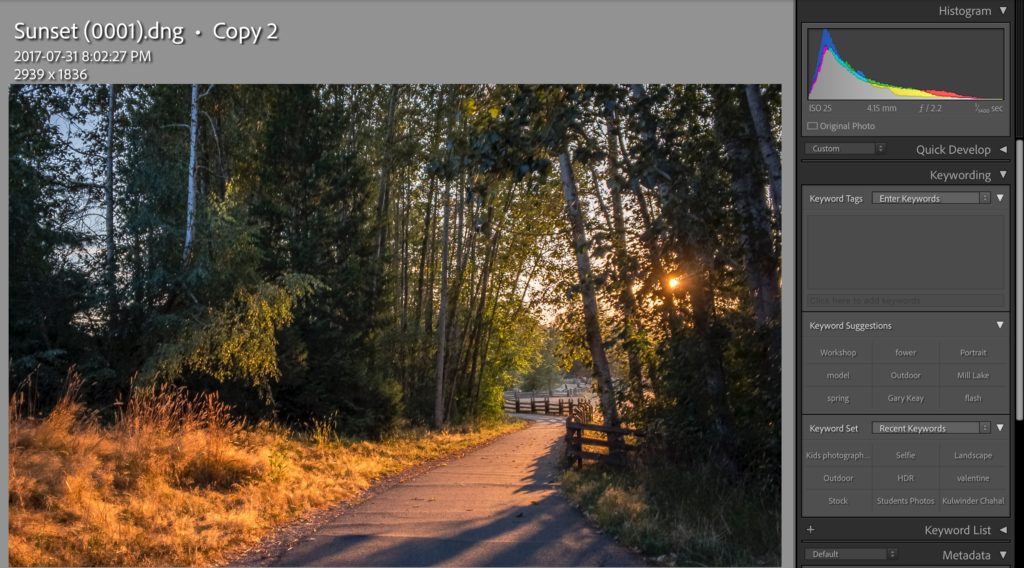
[vc_row][vc_column][vc_column_text] Save Hard Drive Space By Using Lightroom Virtual Copy . In this day and age, digital cameras have more megapixels; it quickly fills up the hard drives with duplicated pictures.  One of the significant features of Lightroom is the “Virtual Copy.” Virtual Copy allows you to create different versions of a photo without duplicating

Ted’s Lightroom Tips: LIGHTROOM VIRTUAL COPY Read More »

Lightroom Editing Power

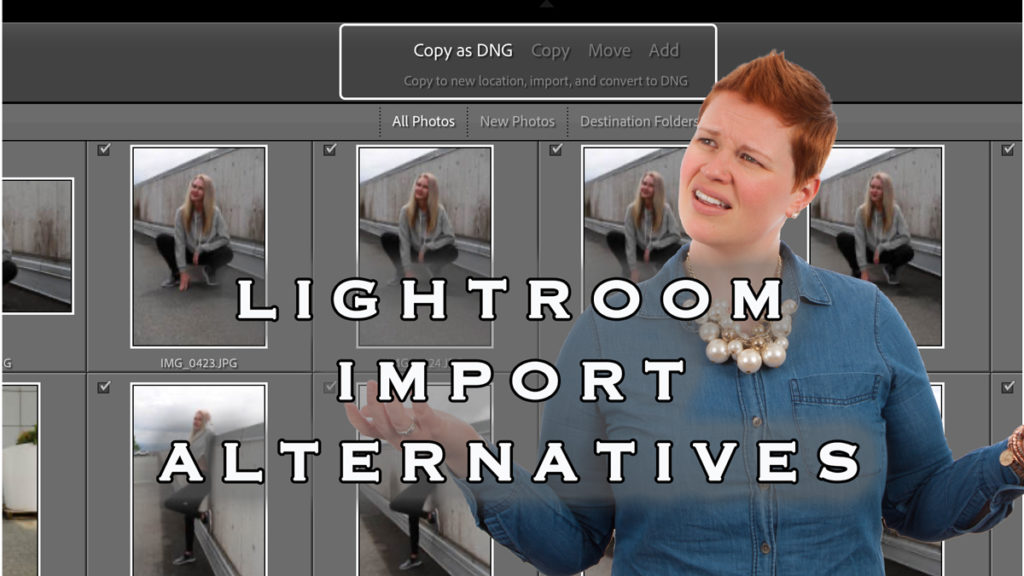
Ted’s Lightroom Tips: LIGHTROOM IMPORT ALTERNATIVES

[vc_row][vc_column][vc_column_text] Lightroom Import Alternatives Explained Lightroom Import alternatives can be a bit complex. In this post, I will shed light on different choices and how they can affect your workflow.  . Ted’s Lightroom Classic Import Tip: To open images in Lightroom, you need to import them first. You click on the Import button, and you

Ted’s Lightroom Tips: LIGHTROOM IMPORT ALTERNATIVES Read More »

Lightroom Import Alternatives

DETECTING DUSTY SENSOR USING LIGHTROOM

Detecting Dusty Sensors Using Lightroom or Photoshop’s Hidden Features Dust on your camera sensor can be a photographer’s worst nightmare, showing up as annoying spots in your otherwise perfect images. While removing visible dust spots using the Healing Brush Tool is relatively simple, finding and detecting all dust spots—including the tiny, nearly invisible ones—can be

DETECTING DUSTY SENSOR USING LIGHTROOM Read More »

Martin Santos 16

Ted’s Editing Tips: Renaming Photos in Lightroom

[vc_row][vc_column][vc_column_text] Renaming Photos in Lightroom Tips Renaming photos in Lightroom is another great way to organize your pictures. One of the searchable criteria in Lightroom is the Text-based search. The searchable texts are Keywords and File Names.  I recommend adding keywords to all the images. However, it is sometimes hard to do, especially when there

Ted’s Editing Tips: Renaming Photos in Lightroom Read More »

renaming photos in Lightroom

Ted’s Editing Tips: Lightroom Portrait Retouching Tip

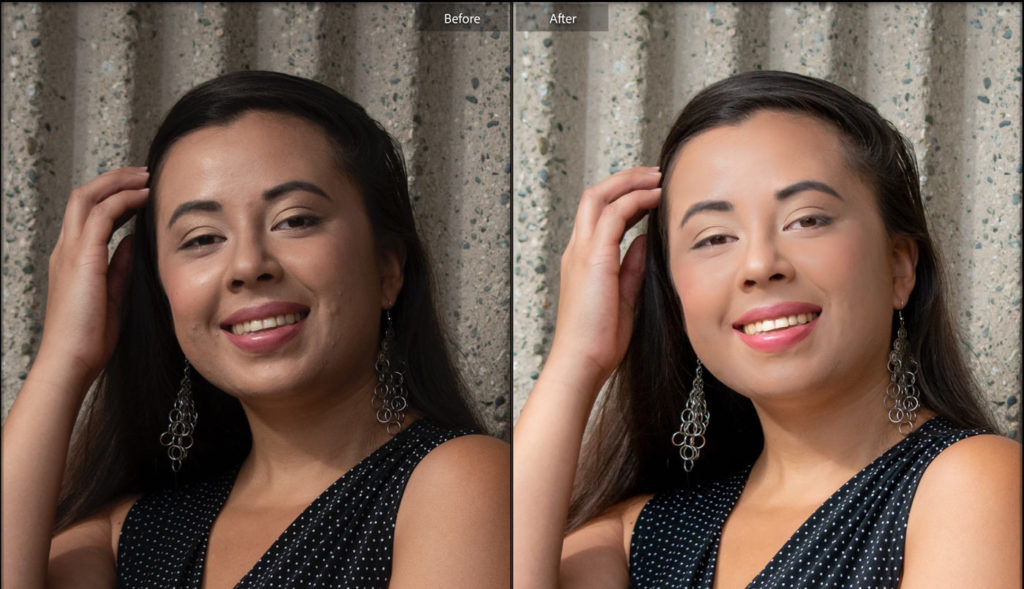
[vc_row][vc_column][vc_column_text] Easy Lightroom Portrait Retouching Tip Lightroom has many powerful tools for all sorts of editing. Lightroom Portrait Retouching Tip covers a few of them. Using Lightroom for Portrait Retouching Most photographers prefer Photoshop for portrait editing. However, Lightroom provides pretty good tools for doing a quick portrait retouching. Here is a tip for quick

Ted’s Editing Tips: Lightroom Portrait Retouching Tip Read More »

Lightroom Portrait Retouching
Scroll to Top