Digital Photography Class

Lightroom Map Module

Lightroom Map Module, Free GPS unit for your Camera! How to Geotag your images for Free As a photographer I always use keywords and tagging for my images, two simple steps which makes finding images a breeze. You may have thousands of images in your hard drives and when you want to select some images for your […]

Lightroom Map Module Read More »

TED8678

Lightroom Presets

Do you find yourself making the same (or similar) edits to many of your images? There are lots Lightroom Presets. As a matter of fact Lightroom comes with some default presets that Adobe considers a useful starting point for editing images. One of the best things about Lightroom is its ability to store develop settings

Lightroom Presets Read More »

Lightroom Presets

Omnilargess Gift Cards

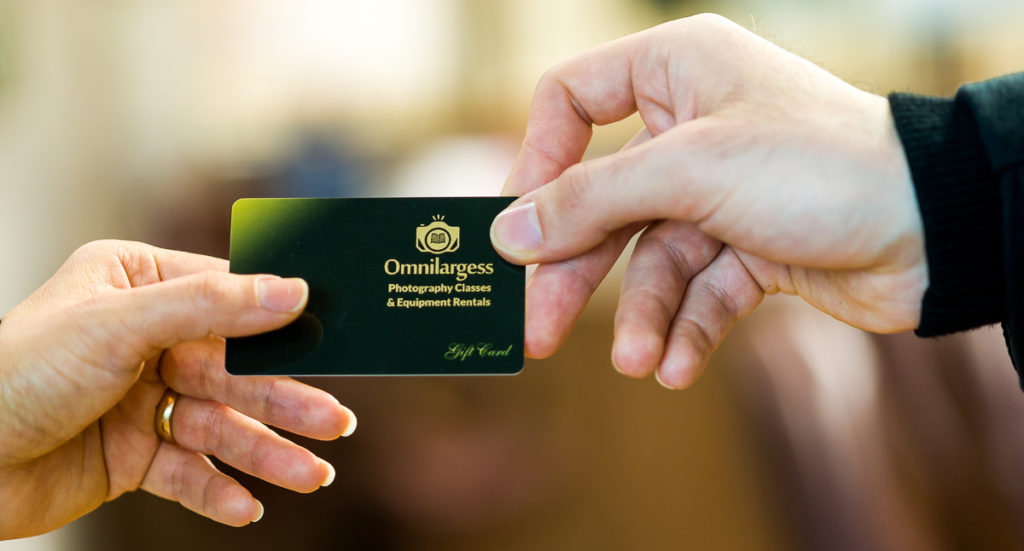
Omnilargess Gift Cards are now available at our new office I have added more convenient ways for our clients to shop for services and rentals – one recent addition is the new advanced Omnilargess gift cards. The new gift card is electronic and can be purchased in any denomination and can be redeemed all at once

Omnilargess Gift Cards Read More »

Omnilargess Christmas Gift Cards

Make Better Pictures

Does a Specific Camera Make Better Pictures? Great Camera Debate Part 5 Previously we looked at the different categories of digital cameras, such as Point and Shoot, Entry level, Prosumer and Pro cameras and I discussed the reasons you may prefer one over the other. As a matter of fact you may even need more

Make Better Pictures Read More »

Make Better Pictures

Lightroom Auto Sync

Lightroom Auto Sync An easy and fast technique for batch processing! One of the most powerful tools in Lightroom 4, 5 and 6 is “AUTO SYNC“. Lightroom Auto Sync is different from copying and pasting the settings, it simultaneously applies the adjustments to the selected images. In this article you learn how and when to use

Lightroom Auto Sync Read More »

Learn Lightroom
Scroll to Top