Lightroom Tips

Ted’s Editing Tips: Lightroom User Presets

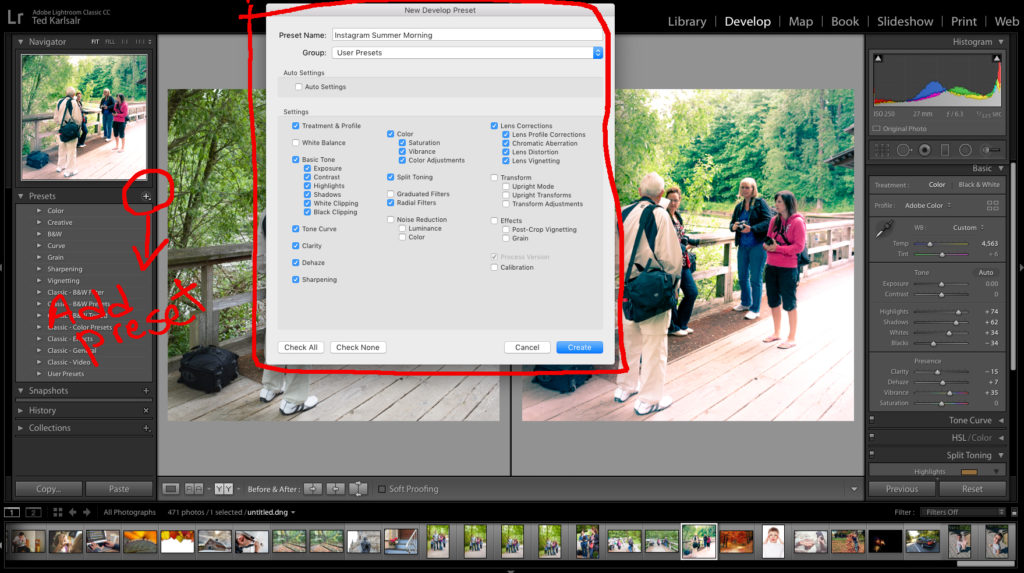
[vc_row][vc_column][vc_column_text] Easy Steps To Create Lightroom User Presets In a previous article, I covered Lightroom Presets and how they can speed up our post-processing. This tutorial will show you easy steps to create Lightroom User Presets according to your taste or photography style. What is Lightroom Preset? Presets are certain adjustments that will be applied […]

Ted’s Editing Tips: Lightroom User Presets Read More »
Create Lightroom User Presets

LIGHTROOM GRADUATED FILTER

[vc_row][vc_column][vc_column_text] Lightroom Graduated Filter is the Omnipotent Engine!  Lightroom Graduated Filter is one of the most powerful tools and provides vast local adjustment options. There are many known uses for this filter. However, there are many hidden techniques too. For this Thursday’s Ted’s Editing Tip, I review the Graduated Filter and showcase one of the

LIGHTROOM GRADUATED FILTER Read More »

NDG

LIGHTROOM PROFILES

[vc_row][vc_column][vc_column_text] Lightroom Profiles need more Love. Last week, I talked about the Lightroom Survey View. For this Thursday’s Teds Editing Tip, I discuss the Lightroom Profiles and their uses. Although Profiles don’t get the attention they deserve, they are another powerhouse for editing. Using Lightroom Profiles  Lightroom has many built-in profiles, such as BW, Camera

LIGHTROOM PROFILES Read More »

Lr Profiles

LIGHTROOM SURVEY VIEW

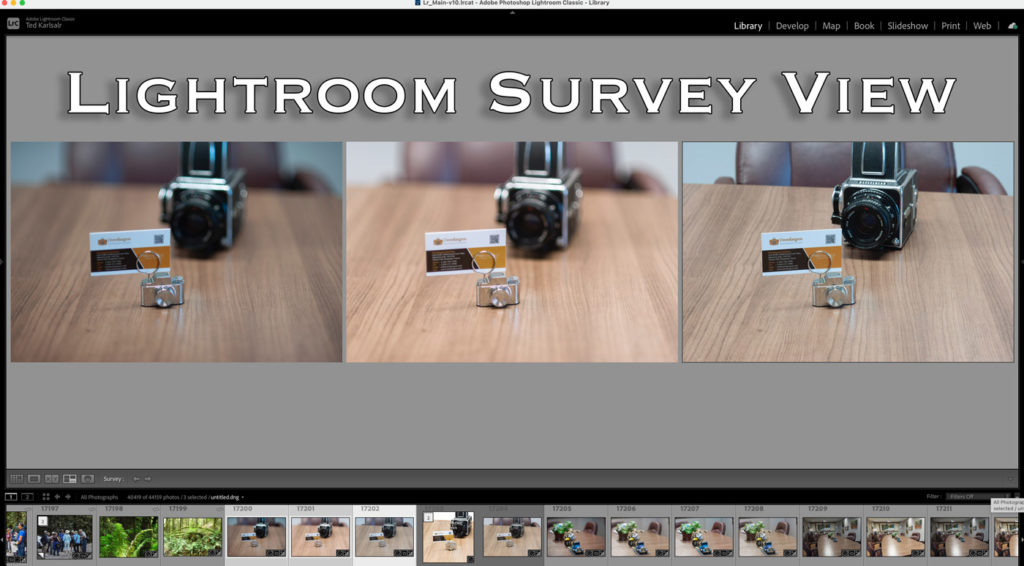
[vc_row][vc_column][vc_column_text] LIGHTROOM SURVEY VIEW Last week, I talked about the Lightroom Compare view and received many questions about the Lightroom Survey View. For this #TedsEditingTip, I discuss the Lightroom Survey View.  Lightroom Survey View Generally speaking, the Survey View works like the light table in the film photography era.  To compare a few images side

LIGHTROOM SURVEY VIEW Read More »

Lightroom Survey view

LIGHTROOM CLASSIC HOT KEY

[vc_row][vc_column][vc_column_text] Lightroom Classic Hot Key Lightroom Classic Hot Keys save a tremendous amount of time for photographers. Previously, I shared a few of them. In this post, let’s look into the “TAB” key.  Lightroom Classic Hot Key TAB Screen real estate is very precious, especially when working on smaller monitors such as laptops.  Side panels

LIGHTROOM CLASSIC HOT KEY Read More »

Lightroom Full-Screen

Lightroom Gradient Filter

[vc_row][vc_column][vc_column_text] Potentials of the Lightroom Gradient Filter For this Thursday’s #LightroomTip, I picked up the Lightroom Gradient Filter.  The Lightroom Gradient Filter is a local adjustment that allows you to apply the settings at 100% at one point, and it gradually reduces the adjustments to zero to the next point. For instance, you can set

Lightroom Gradient Filter Read More »

Blaming the camera

LIGHTROOM GEOTAGGING

[vc_row][vc_column][vc_column_text] Use Free Lightroom Geotagging Skill  Most of the smartphones have built-in GPS and geotag photos. However, most DSLRs don’t have a built-in GPS unit. Therefore, you need to Geotag the images manually. However, you can use Free Lightroom Geotagging skill to geotag all pictures, old or new, effortlessly.  Free Lightroom Geotagging Searching for photos

LIGHTROOM GEOTAGGING Read More »

Lightroom Geotagging

LIGHTROOM SOLO MODE

[vc_row][vc_column][vc_column_text] Lightroom Solo Mode Tip Screen real estate is very precious, especially on smaller screens such as Laptops. For this Thursday’s Editing Tip, I show you how to save time by activating the Lightroom Solo Mode. Lightroom Solo Mode By default, in the Lightroom Develop module, all adjustment tabs expand. [/vc_column_text][vc_single_image image=”25461″ img_size=”600×600″ add_caption=”yes” alignment=”center” style=”vc_box_rounded”

LIGHTROOM SOLO MODE Read More »

DSCF5970
Scroll to Top